Signs Robot Vacuum Needs New Parts Uk
Direct answer: weak pickup, edge misses, hair wrap, streaky mopping and odours can mean your robot vacuum needs new consumable parts, but only after you clean the bin, filter, brushes and mop pad first. If cleaning fixes it, you do not need a new part yet.
Symptom-to-part ladder
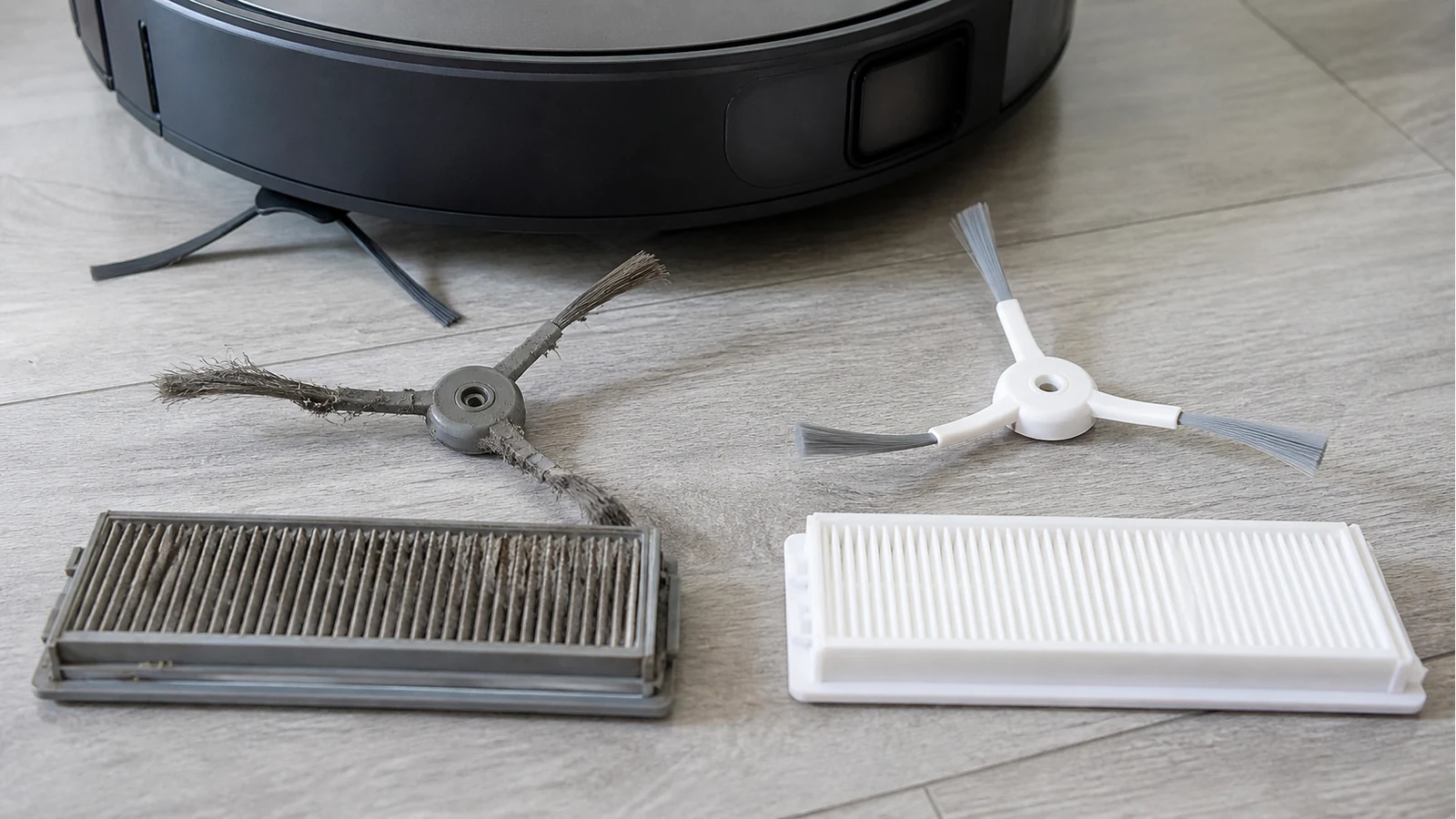
- Weak suction: empty the bin, clean the filter and clear the brush channel. Replace the filter if airflow stays poor after cleaning.
- Hair wrap or noisy rolling: remove the main brush and cut away wrapped hair. Replace it if fins, bristles or end caps are damaged.
- Dirty edges: check the side brush. Replace it if arms are bent, missing or no longer flick debris inward.
- Mop streaks: rinse the pad. Replace it if fibres are flattened, stained with residue or smell after washing.
- Dust smell: check the filter and bin seals before assuming the motor is failing.
The Ultenic UK replacement guide lists reduced suction, visible wear, odours, shorter runtime and leftover debris as replacement signals. Dyson robot vacuum cleaning guidance also points to reduced suction, debris left behind and brush entanglement as practical maintenance signs.
Clean first, then replace
The clean-first rule saves money and avoids replacing parts that still work. If the robot improves after cleaning, set a reminder and keep using the part. If the same symptom returns quickly, the part is probably past its useful point.
When to escalate
Do not rely on part swapping for battery collapse, repeated docking failures, sensor error codes, cracked housings, leaks or burning smells. Those are support or repair issues. Use the maintenance checklist for normal cleaning, and the pet-hair parts guide if hair wrap is the recurring issue.
Conditional next step
If you have confirmed a worn brush, filter or mop pad and your machine is the Eufy X9 Pro, you can compare the included consumables on the Eufy X9 Pro replacement kit. Do not use that as a generic fix for unrelated faults.