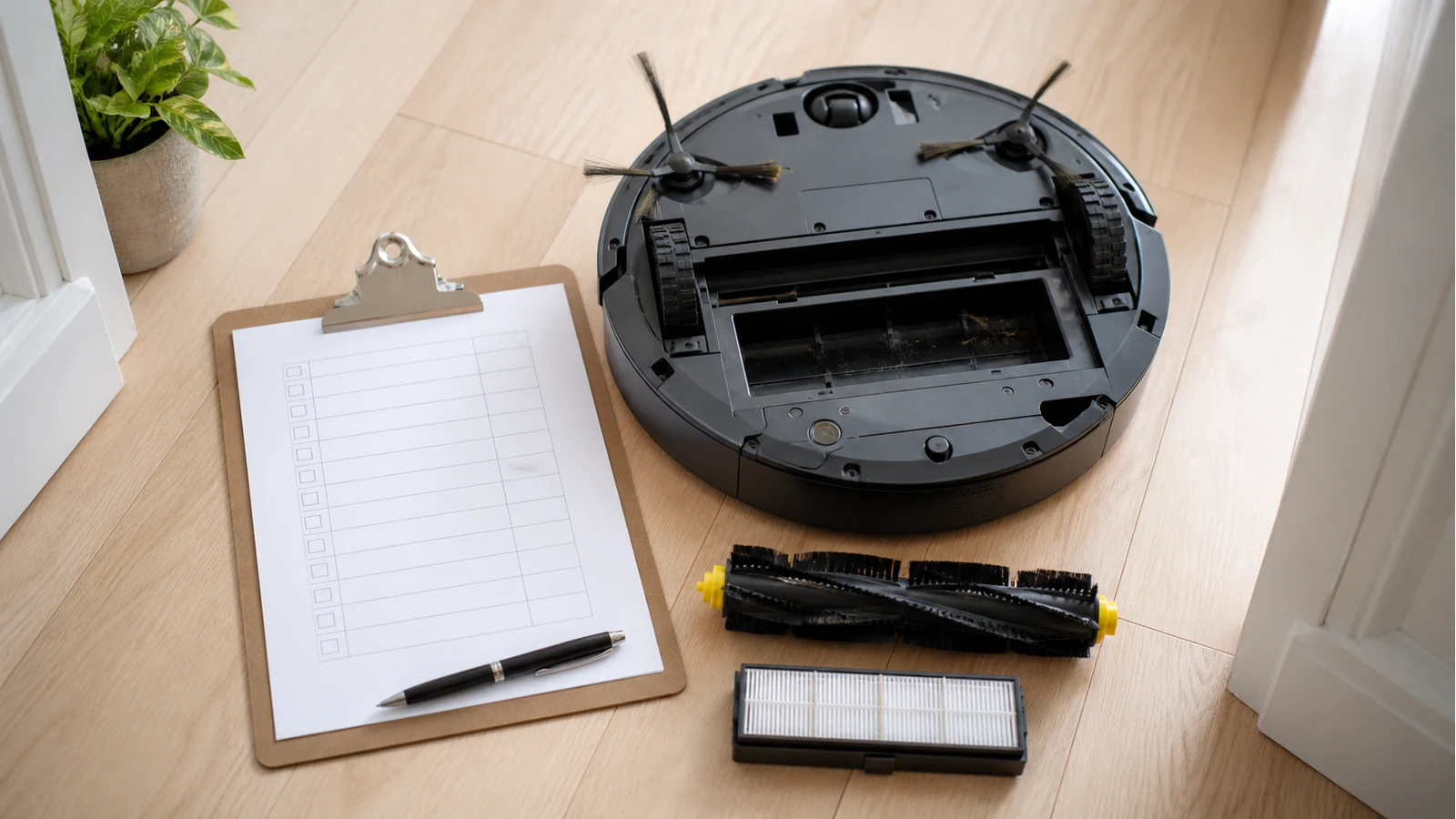
Robot Vacuum Maintenance Checklist Uk
Direct answer: empty the bin after runs, check brushes and filters weekly, clean sensors and contacts monthly, and replace parts only when cleaning no longer restores pickup. A simple routine prevents most avoidable suction, hair-wrap and debris-trail complaints.
After each run
- Empty the dust bin before compacted dust blocks airflow.
- Pull off visible hair from the main brush and side brush.
- If you used mopping, rinse the mop pad and let it dry.
- Look for debris trails, which can signal a full bin, clogged filter or brush obstruction.
A practical maintenance routine is usually split by frequency; this daily, weekly and monthly maintenance checklist uses the same daily, weekly and monthly logic.
Weekly checklist
- Remove the main brush and cut away wrapped hair.
- Tap or clean the filter according to your manual.
- Check side brush bristles for bending or missing arms.
- Wipe the underside where dust can sit around wheels and the brush guard.
UK homes with pets, rugs or long hair should treat this as a firm weekly task. If you have shedding pets, the pet-hair parts guide explains which consumables usually age first.
Monthly checklist
- Clean charging contacts with a dry cloth.
- Wipe sensors gently, following your manual.
- Inspect the roller ends and brush guard for trapped fibres.
- Check whether mop pads still absorb evenly.
Dyson robot vacuum cleaning guidance highlights reduced suction, debris left behind and brush entanglement as practical warning signs, so use the monthly check to catch decline before assuming the machine is faulty.
Replace-when-worn triggers
| Symptom | Clean first | Replace if |
|---|---|---|
| Weak pickup | Empty bin, clean filter, clear brush path | Filter stays clogged or brush is damaged |
| Edges still dusty | Remove hair from side brush | Bristles are bent or missing |
| Mop streaks | Rinse pad thoroughly | Pad smells, thins or leaves residue |
Stop conditions
Do not treat every issue as a consumable problem. Stop DIY deep cleaning and seek model-specific support if you see sensor error codes, leaking tanks, battery collapse, burning smells, cracked housings or repeated docking failures. For normal wear symptoms, compare your result with the diagnostic signs guide and the replacement schedule.